Monthly Bill Tracker
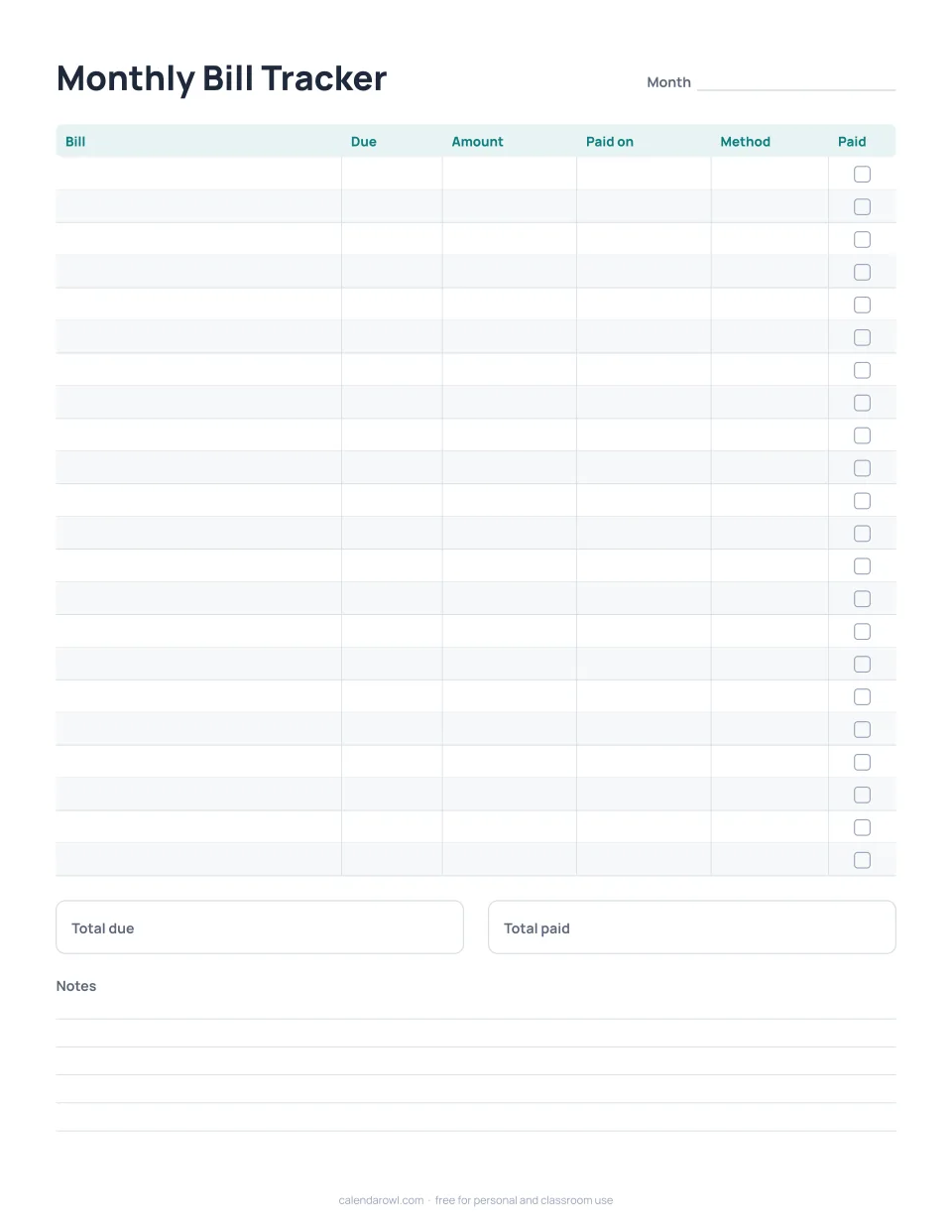
Free for personal, family and classroom use. No sign-up. PDFs print at actual size; set your printer to 100% or "Actual size".
See every bill in one place
List each bill once with its due date and amount, then fill in the date paid and the method and tick the box. Totals at the bottom show what is due and what is paid. The undated page works for any month; the 2027 version has twelve pages already titled January to December.
Tips that help
- Sort bills by due date so the month reads top to bottom.
- Mark automatic payments in the Method column so you remember to check them.
- Keep the pages together for a year to see which bills changed.
A simple monthly routine
At the start of the month, copy the recurring bills from the previous page and add anything new. When a bill arrives, write the amount. When you pay, write the date and tick the box. At the end of the month the two totals should match; if they do not, the unticked rows show what is left.
Questions and answers
Does this calculate anything?
No, it is a paper tracker. It does not connect to any account and we never see what you write.
Is there room for more than 20 bills?
There are 22 rows; print a second page if you need more.